Your Tracking Is the Foundation. Everything Else Is Guessing.
Attribution, ROAS, CPA, scaling decisions — none of it means anything if your tracking is broken. Here's how to audit yours.
Every week, someone in a Shopify community posts a variation of the same question: "My ROAS dropped. Should I change my creative? My targeting? My offer?"
The answer, more often than anyone wants to admit, is none of the above. The answer is: fix your tracking first.
The house of cards
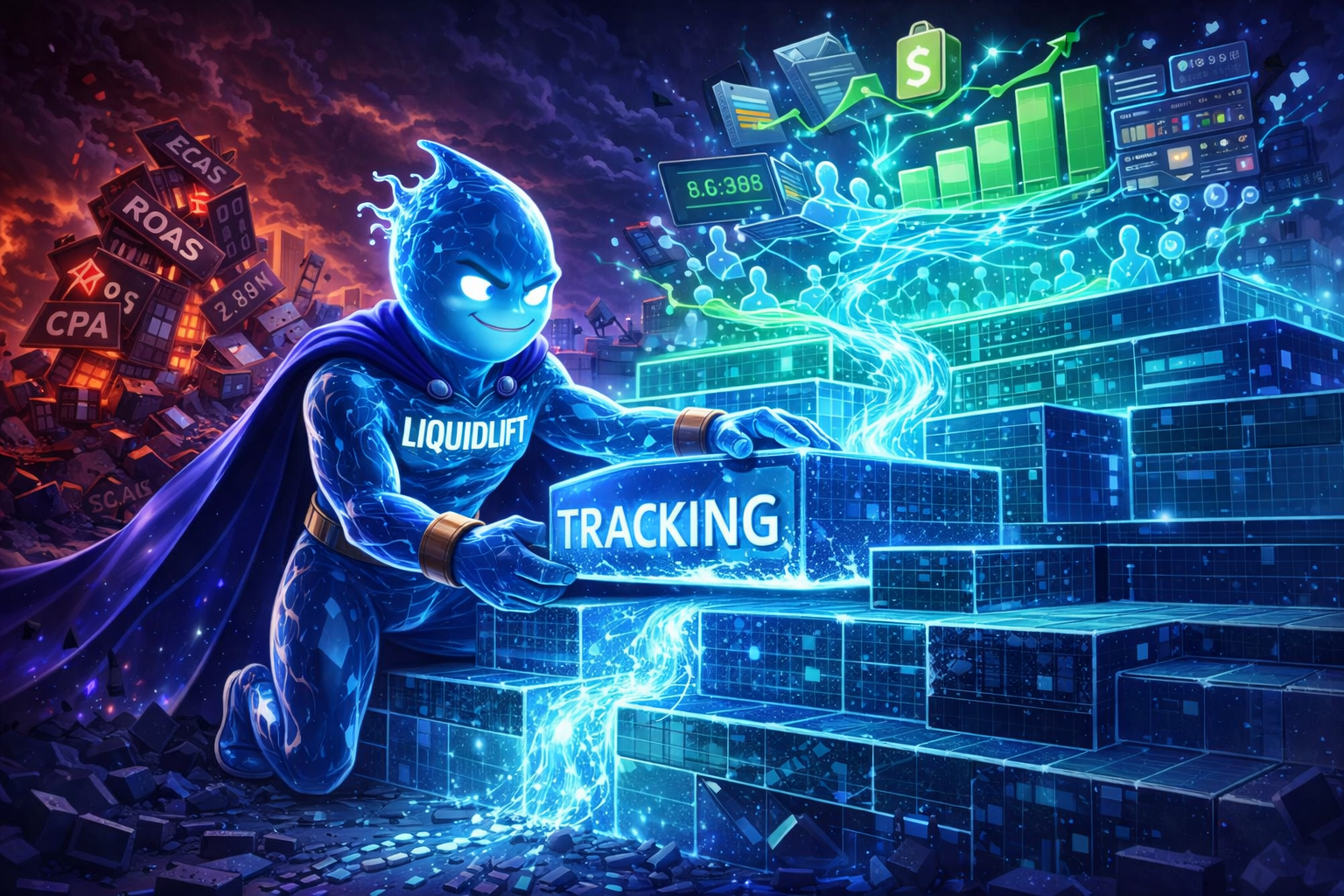
Think of your ad performance as a building. The foundation is tracking — the data pipeline that connects customer actions on your store to the platforms optimising your ads.
On top of that foundation sits everything else:
- Campaign structure
- Creative strategy
- Audience targeting
- Budget allocation
- Scaling decisions
If the foundation is solid, these layers work. If the foundation is cracked — if 40-60% of your conversion data never reaches Meta — then every decision you make on top of it is based on incomplete information.
You can have the best creative in the world. If Meta can't see the conversions it drives, the algorithm can't optimise for more of them. You're flying blind with a beautiful dashboard.
What broken tracking actually looks like
Most stores don't know their tracking is broken. Everything looks "fine" — the pixel fires, events show up in Events Manager, numbers appear in the dashboard. But "appearing" and "being accurate" are different things.
Signs your tracking is broken:
- Shopify shows more orders than Meta reports conversions for the same period
- Your Event Match Quality score is below 6
- ROAS fluctuates wildly day-to-day despite consistent spend
- Google Analytics and Meta report completely different conversion numbers
- You see "estimated" or "modelled" labels on your conversion data
- Scaling spend doesn't proportionally scale reported conversions
Any of these means your tracking has gaps. The question is how big.
The audit: 15 minutes that could save your ad budget
Step 1: Compare sources of truth. Pull last 7 days of Shopify orders. Count the ones from paid Meta traffic (check UTMs or referrer data). Compare against Meta's reported conversions for the same period. If there's more than a 20% gap, you have a tracking problem.
Step 2: Check Event Match Quality. In Meta Events Manager → Data Sources → select your pixel → Overview. Look at EMQ scores for Purchase and Lead events. Below 6 = significant signal loss.
Step 3: Check parameter coverage. In Events Manager, look at which customer parameters are being sent with your events. If you only see basic browser data (no email, no phone, no customer ID), your match rate will be poor regardless of volume.
Step 4: Check for deduplication. If you're sending both pixel and server events, make sure they share event IDs. Without deduplication, Meta double-counts conversions — which inflates ROAS and leads to bad scaling decisions.
Step 5: Check latency. Server events should arrive within minutes of the conversion. If there's a significant delay (hours or days), Meta can't use them for real-time optimisation.
Why most stores skip this
Tracking isn't exciting. Nobody posts "I fixed my CAPI implementation" on LinkedIn. There's no dopamine hit from improving your Event Match Quality from 4.2 to 8.7.
But that improvement — invisible to everyone except your ad account — does more for your performance than any creative test, audience change, or budget shift.
The stores spending £500k/month on Meta don't have better creative instincts than you. They have better data infrastructure. They can see what's working, so they can do more of it. That's the entire advantage.
The compounding effect
Good tracking doesn't just improve today's numbers. It compounds:
- Week 1: Better data flows to Meta. Algorithm starts recalibrating.
- Week 2-3: Budget allocation improves. Winning campaigns get more spend.
- Month 2: Lookalike audiences improve (built from better seed data). New customer acquisition costs drop.
- Month 3: Retargeting improves (Meta can actually identify who visited and didn't buy). Funnel efficiency increases.
Every week of clean data makes the next week's optimisation better. Every week of broken data makes the algorithm's decisions slightly worse.
Start here
Before you touch your creative. Before you restructure your campaigns. Before you hire an agency or change your offer.
Audit your tracking. Fix the foundation. Then watch everything built on top of it start working the way it should have all along.
LiquidLift is free until your first attributed sale. Join the waitlist to get early access.
Free audit
Find out what your tracking is missing.
Join the waitlist and get a free Revenue Leak Audit — we'll analyse your store's tracking setup, attribution gaps, and signal loss.
Get my free audit →